
When you use the same carrier for most of the time you can set the carrier as default. The default carrier will be selected each time you create a package instead of your own company. In this article we will explain how you can do this. But before you can set your carrier as default, your carrier has to be invited.
Prerequisites:
The carrier must have been invited and has accepted the invitation.
How?
Step 1: go to the community where you need to set a default carrier.
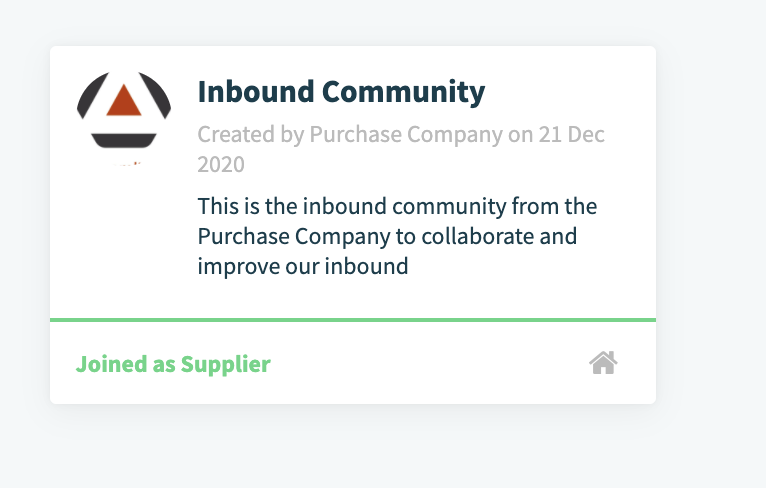
Step 2: Go to the tab companies.

You can search your company in the search bar on the top left side. Click on your company. 
Step 3: click on edit
Attention: only users with the role 'Primary Owner' or 'company Owner' will have the possibility to Edit your company.
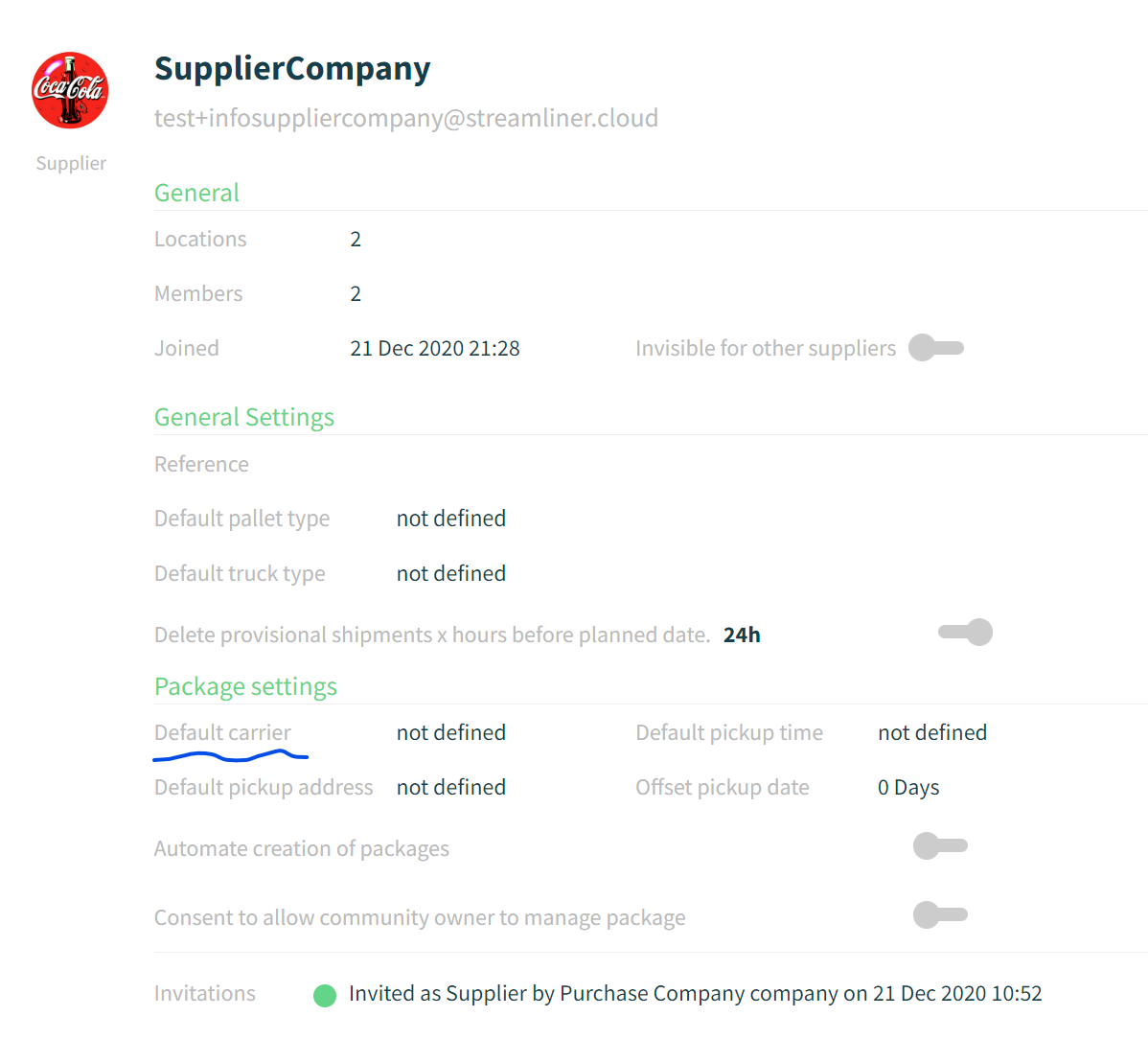
Step 4: select default carrier.

All set! This carrier will be selected from now one for each package you create.
Comments
0 comments
Please sign in to leave a comment.