
Using the Dashboard will help you trace and control your deliveries and supplies.
Step 1: Go to the Streamliner in your Community
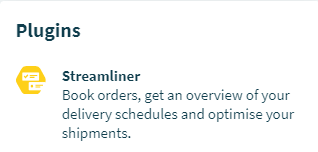
Enter the Community page. You will find the Streamliner under ‘Plugins’ on the right side.
Step 2: Go to the 'Dashboard' tab
Once you've entered the Streamliner, you will find the 'Dashboard' tab in the center/top of the page.

Step 3: Navigating the Dashboard
- Location
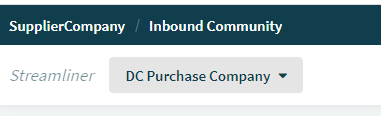
The Dashboard is displayed per Location. To change the Location, select it from the list in the top left corner.
- Orders, Shipments, Goods
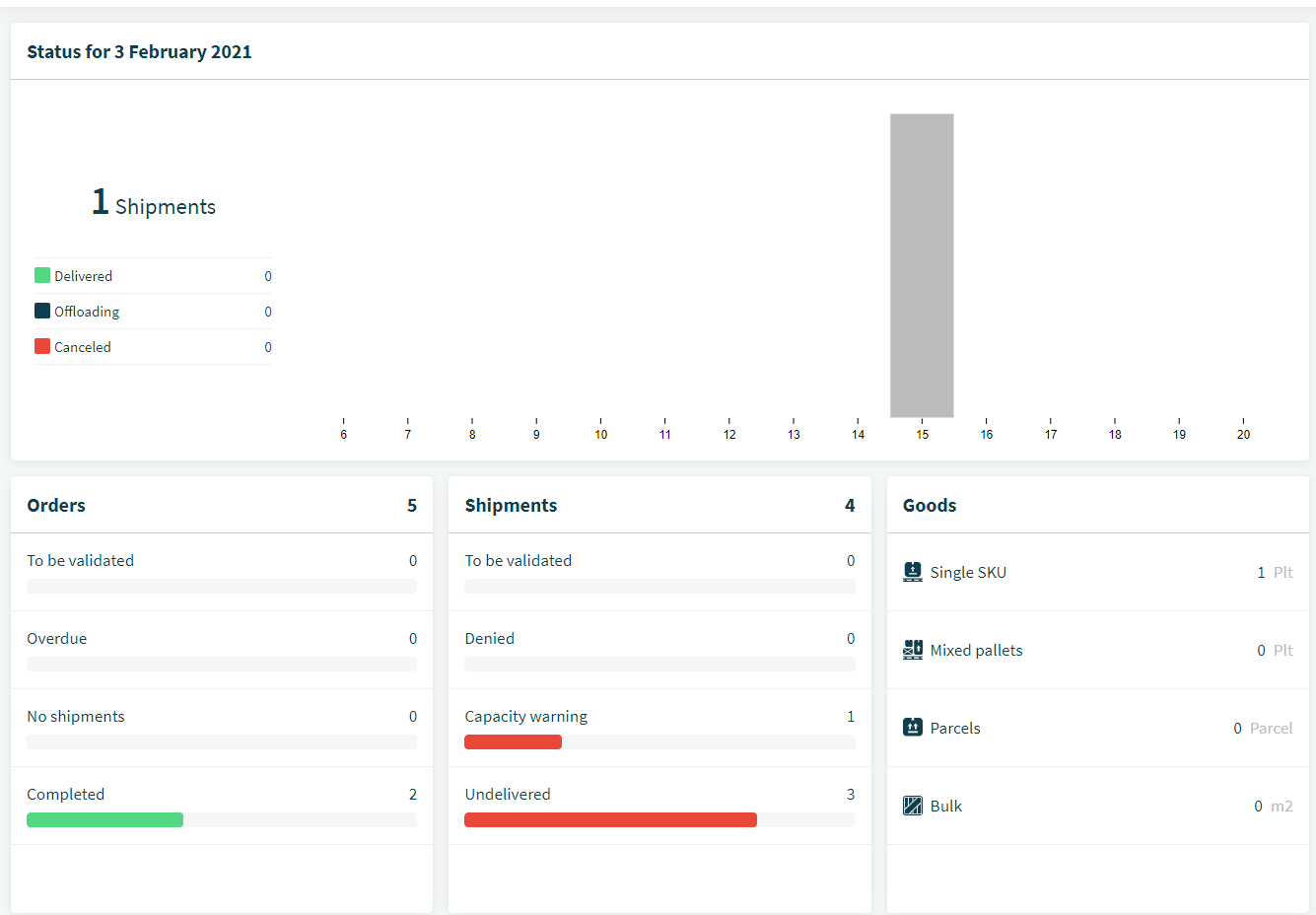
The central part of the screen will give you an overview of your Orders, Shipments and Goods.
- The shipments and state you expect today
- The volumes they represent in goods
- Attention points regarding orders and shipments
- Comments
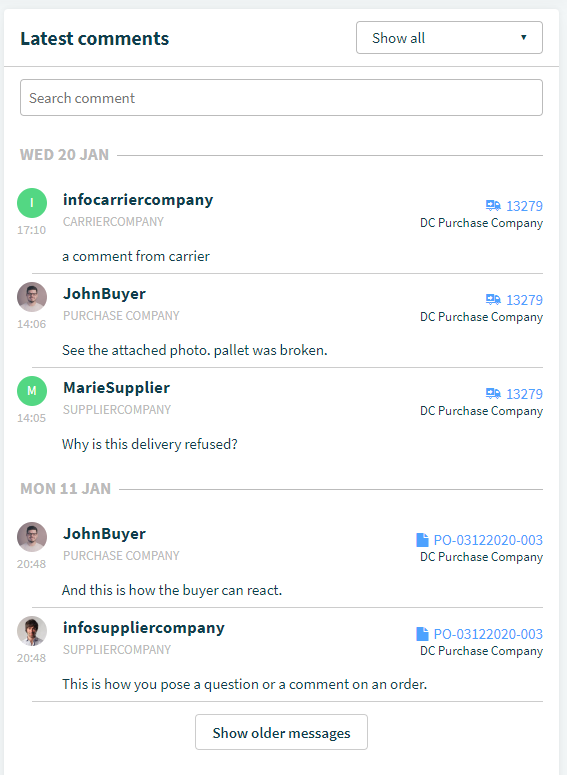
On the left side, you will find the latest comments from the community. They contain a hyperlink to the related order, package or shipment
Comments
0 comments
Please sign in to leave a comment.