
Step 1: Go to the Streamliner in your Community
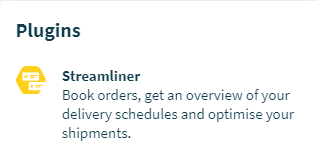
Enter the Community page. You will find the Streamliner under ‘Plugins’ on the right side.
Step 2: Go to the 'Orders' section

Step 3: Add a new Order
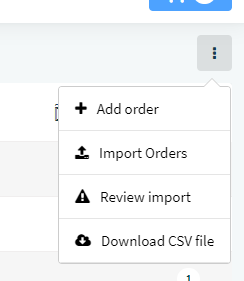
Click on the three dots icon in the top right corner and select 'Add order'.
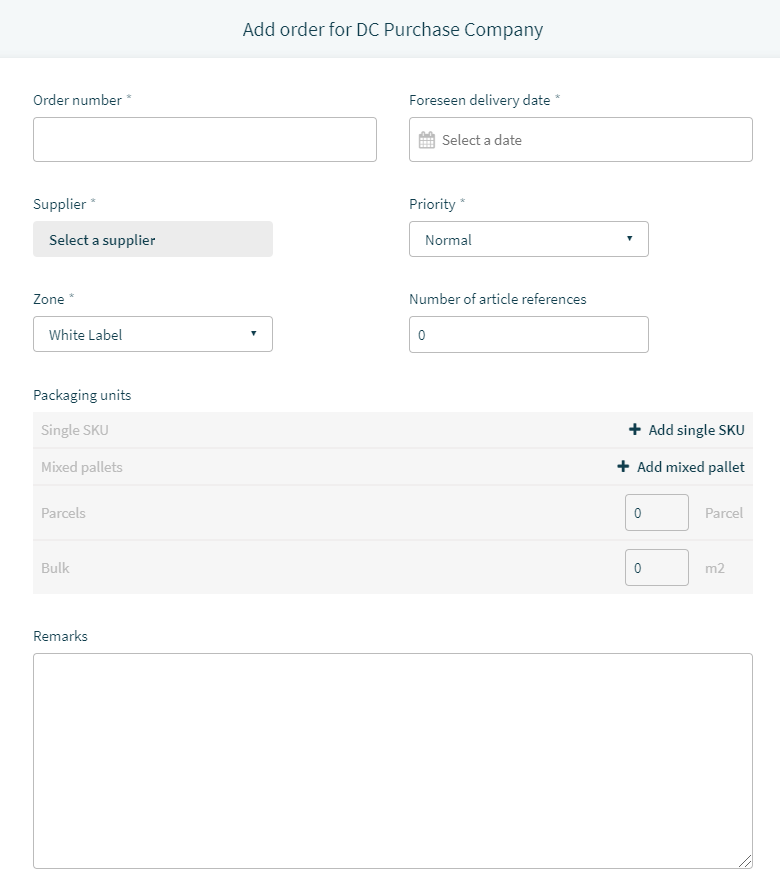
Fill out the order details in the form. The fields with an asterisk (*) are required.
Comments
0 comments
Please sign in to leave a comment.