
As a Receiver, you can validate Orders.
The Supplier/LSP can only propose a delivery date and select a time slot for a validated Order. The Streamliner will notify the Supplier if they did not propose a Shipment within the specified timeframe, even if new Orders have been selected to be validated automatically.
We have a planned change request to adapt functionality to allow also the supplier to validate or approve.
Step 1: Go to the Streamliner in your Community
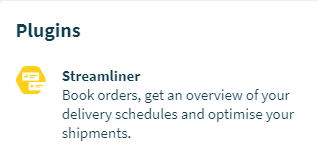
Enter the Community page. You will find the Streamliner under ‘Plugins’ on the right side.
Step 2: Orders
Go to the 'Orders' section in the Streamliner and select the Order you are looking to validate from the list.

Step 3: Validate
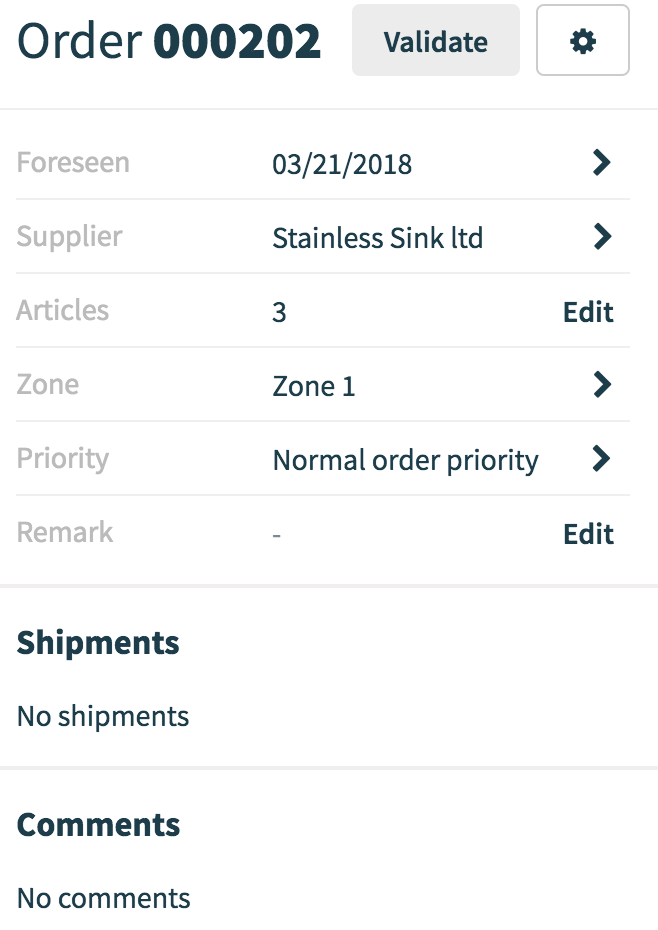
Once you've found the Order, you can validate it by clicking on the 'Validate' button next to the order number.
Comments
0 comments
Please sign in to leave a comment.