
Step 1: Go to the Streamliner in your Community
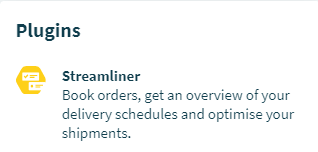
Enter the Community page. You will find the Streamliner under ‘Plugins’ on the right side.
Step 2: Go to the ‘Shipments’ tab
Once you've entered the Streamliner, you will find the ‘Shipments’ tab in the center/top of the page.

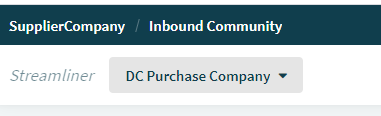
Step 3: Select the Location
Step 4: Shipment comments
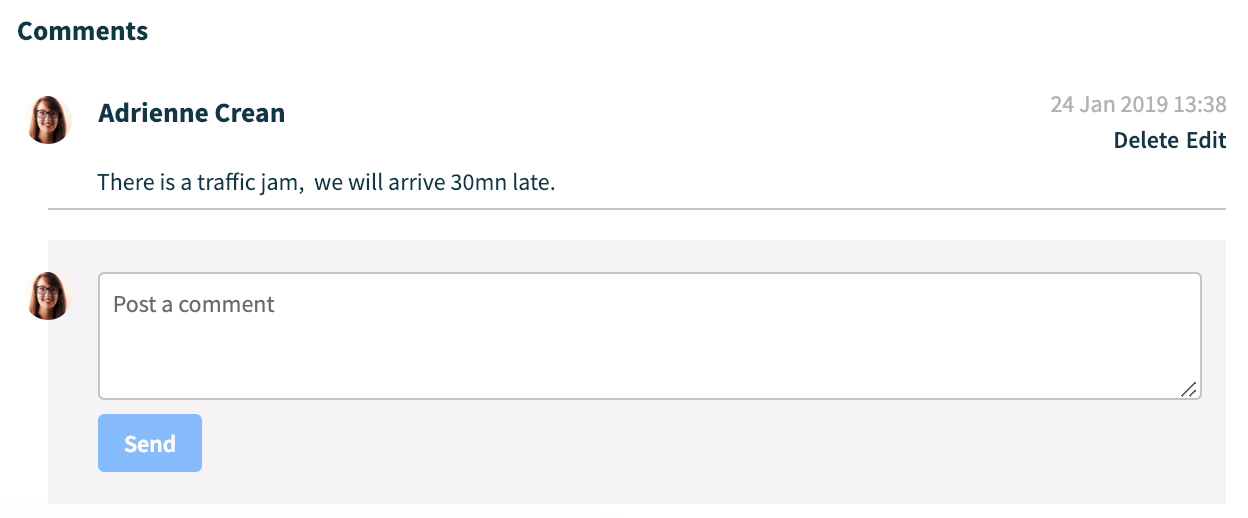
Select the Shipment with the comments you want to view. This will bring up a shipment details pane on the right side of the screen. Scroll all the way down in this pane to the 'Comments' section. Here you can view and add comments.
Comments
0 comments
Please sign in to leave a comment.