
An order can be deleted: either manually or triggered by an ERP call.
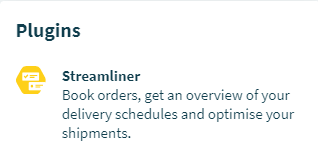
Step 1: Go to the Streamliner in your Community
Enter the Community page. You will find the Streamliner under ‘Plugins’ on the right side.
Step 2: Go to the 'Orders' tab
Once you've entered the Streamliner, you will find the 'Orders' tab in the center/top of the page.

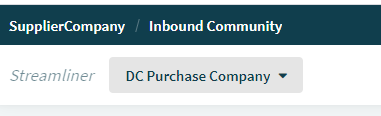
Step 3: Select the location for which you want to delete an order(s)
Step 4: Delete an order
Click on the Order. In the details section on the right, you click on the cog-wheel icon to delete the Order. This is only possible if Order is not completed and has no delivered Shipments.

A deleted Order automatically deletes linked shipments if this is the only Order and removes it from other scheduled Shipments.
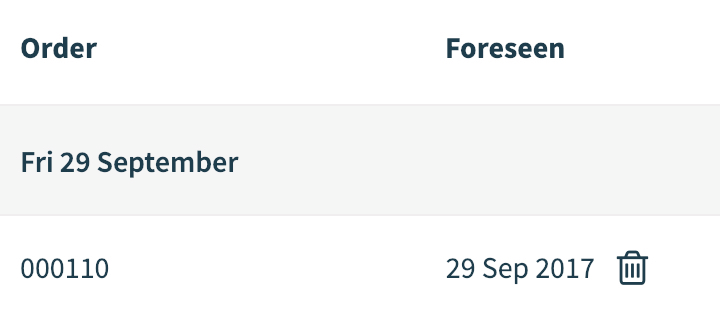
A deleted Order is marked next to the foreseen date with a trash bin icon.
Comments
0 comments
Please sign in to leave a comment.