
An Order can be marked as complete once the final Shipment for the Order in question has been delivered. This can be done manually, but there is an option to have the system do this automatically for you.
As a Supplier, you need to indicate the final Shipment for an Order. Once all Shipments have been delivered, the Streamliner will automatically change the Order status to 'complete order'.
When creating a Shipment, you can flag that this is the last Shipment for the order.
Flag the checkbox beneath the truck icon to indicate that this is the final Shipment to complete the Order. It’s logical that the order in which the shipments are delivered will not influence this behavior.
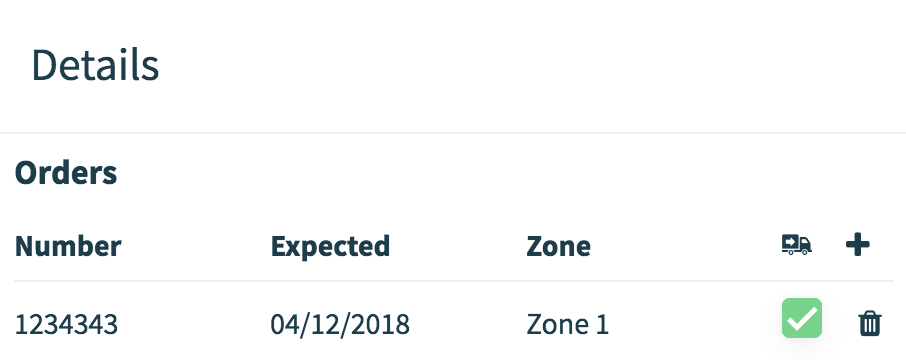
Once all Shipments have been delivered, the SBA will automatically indicate the Order status to 'complete order'.
Comments
0 comments
Please sign in to leave a comment.