
Step 1: Go to your homepage
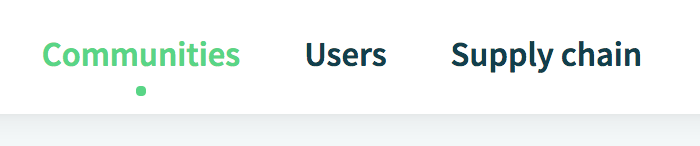
On the homepage, select the tab 'Communities'.
Step 2: Select the Community you want to edit by clicking on it
Step 3: Open the Community settings
Click on the 3 dots in the upper right corner. A new menu appears: now click on 'Community Settings'.

Step 4: Change the Name and/or the Description of the Community
To change the name and/or description of the Community, click the 'Change Community Details' button.
Make the changes and click on the 'Save' button in the upper right corner.

Step 5: Change the Community profile picture
To change the Community profile picture, click on the 'Change Picture' button. This will open a dialog box where you can search for a new picture.
Once you have selected the new picture, click 'Save'. You're all set.
Comments
0 comments
Please sign in to leave a comment.