
Step 1: Go to your homepage
On the homepage, select the tab 'Communities'.
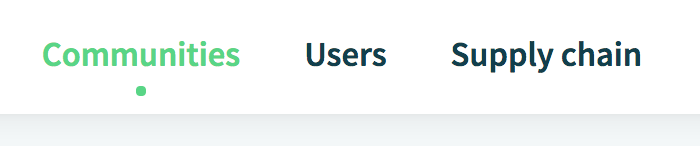
Step 2: Select the Community in which you want to enable an App
You can enable an app in a community that belongs to your company.
Step 3: Open the Community settings
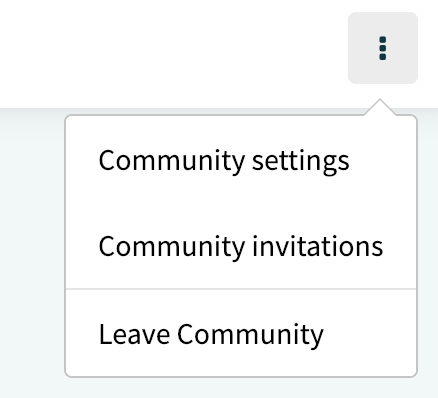
Click on the 3 dots in the upper right corner. A new menu appears: now click on 'Community Settings'.
Step 4: Enable the Streamliner plugin
Scroll down to 'Applications'. Click on the slider next to the Streamliner to the right to enable the App.

Step 5: Configure
Once the plugin has been enabled, options will show, allowing you to configure it. Enable and configure the desired options.
Comments
0 comments
Please sign in to leave a comment.