
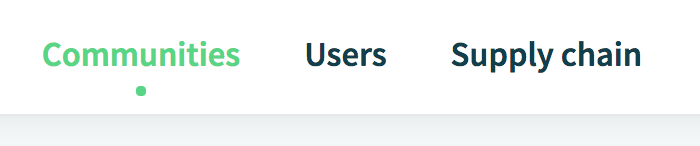
Step 1: Go to 'Communities'
Go to the tab 'Communities' on your homepage.
Step 2: Set your Community as homepage
After setting up your Community and inviting suppliers onto the platform, you can mark your Community as your homepage by clicking on the 'Home' icon in the bottom right corner of your Community.
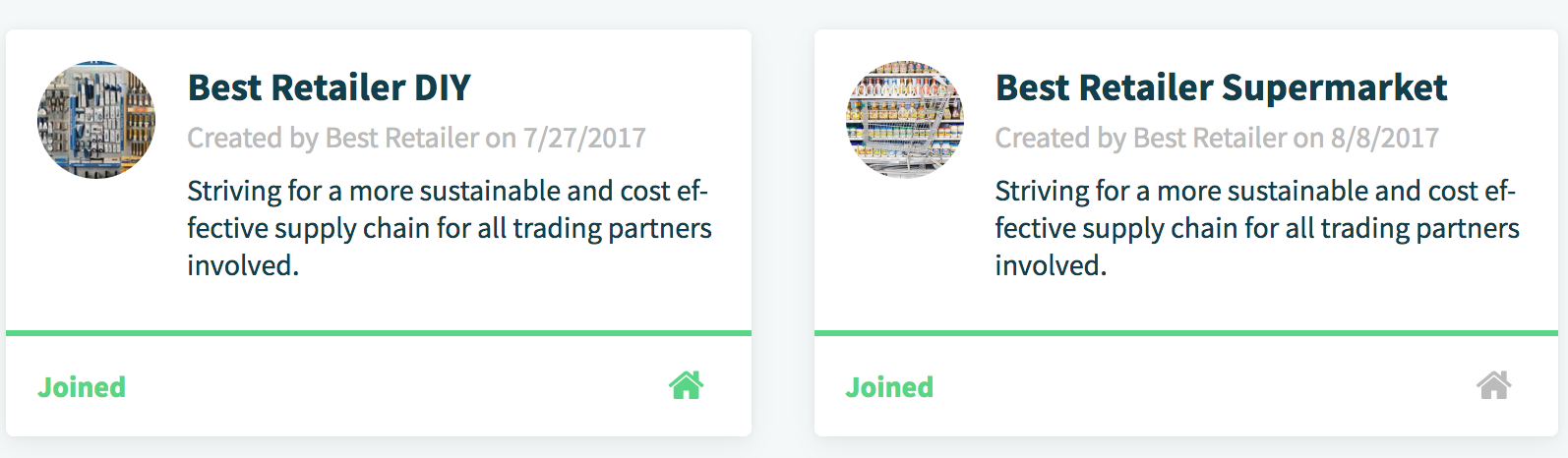
And that's it! When you click and the house goes from grey to green, you've successfully marked your Community as home. You now have direct access to the platform. The next time you log in, you will enter the dashboard of the Community right away.
Comments
0 comments
Please sign in to leave a comment.