
Resend your activation mail .
The last step for every user to onboard the Streamliner platform is to validate the email that is used to login.
Every user receives an email that is sent to your email address to validate your account once you finished the onboarding process for your company. This 2-steps validation is needed to be sure that you provided an existing email.
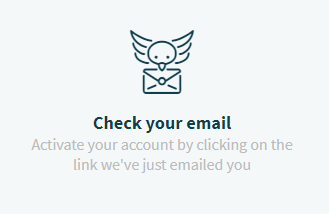
You receive an email from Streamliner to activate your account. Be sure to allow Streamliner.cloud as a valid trusted sender.
But what if you did not receive that email.
Ask your IT administrator or check yourself to be sure that mails sent from info@streamliner.cloud are not evaluated as spam. If so, trust all mails from domain streamliner.cloud.
Go to app.streamliner.cloud
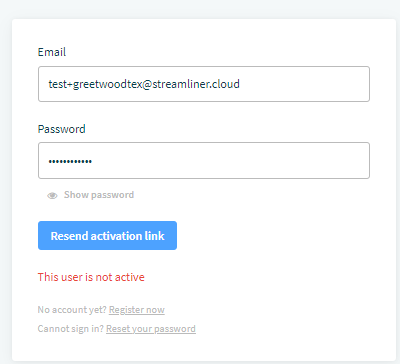
Enter your email and your password. The email and password are case sensitive so enter it exactly like you registered it and sign in. Streamliner will recognize that your account is not yet active and will ask you if the activation link can be resend.
Our best Greetings,
the Streamliner Team
Comments
0 comments
Please sign in to leave a comment.