
You can use Issue Management for Shipments to communicate with the supplier and the Receiver about problems linked to deliveries. However, you can only use issues that are enabled by the Receiver.
You can also view the issues reported by the Receiver, but you cannot change them. The Receiver can view and unlink issues added by you.
Step 1: Go to the Streamliner in your Community
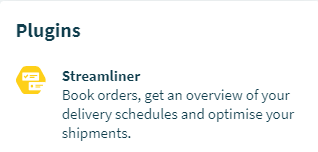
Enter the Community page. You will find the Streamliner under ‘Plugins’ on the right side.
Step 2: Go to the ‘Shipments’ tab
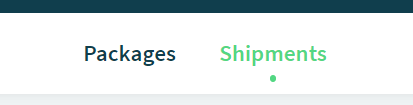
Once you've entered the Streamliner, you will find the ‘Shipments’ tab in the center/top of the page.
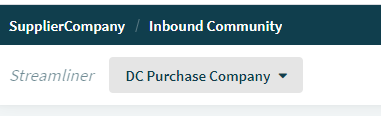
Step 3: Select the Location
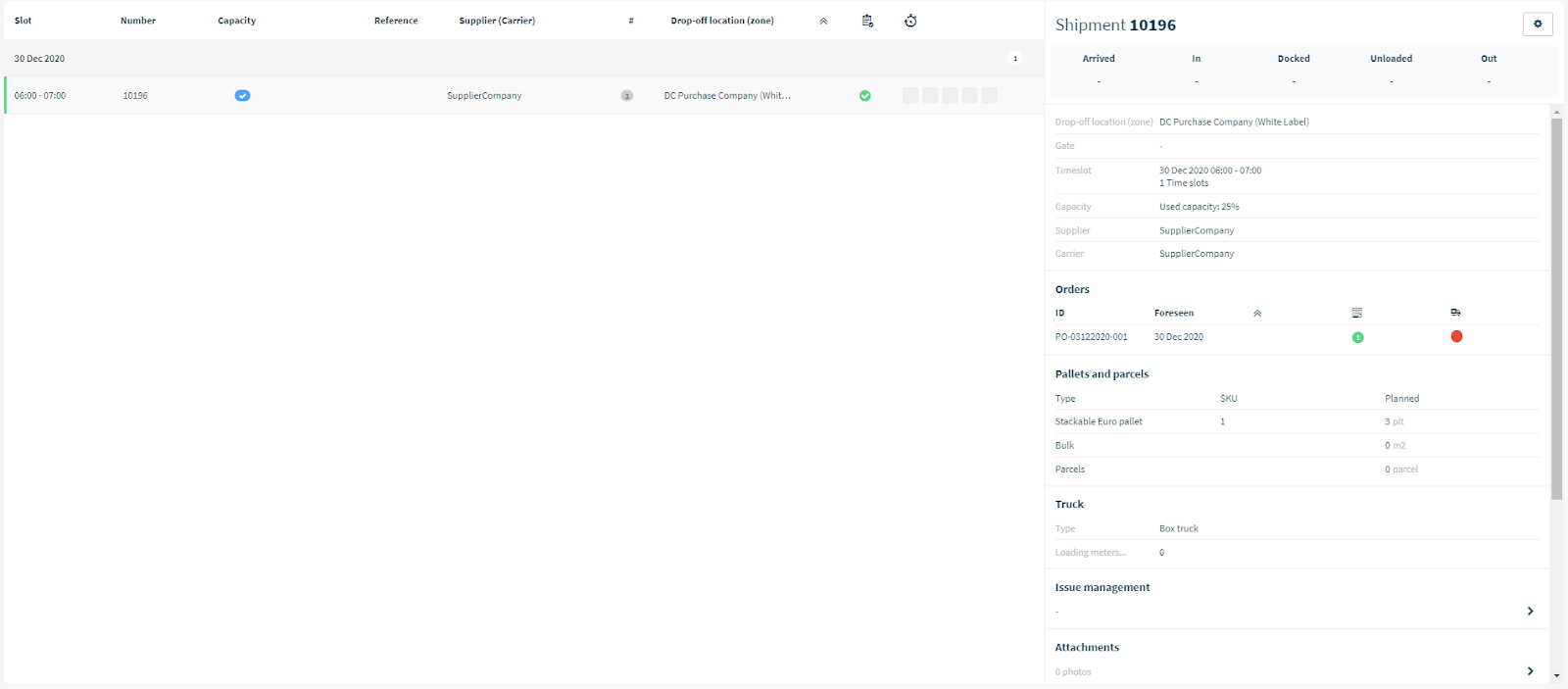
Step 4: Click on the Shipment to unfold the Shipment details, then scroll down to select Issue Management. Click to enter.
Step 5: Select issues and click “Save”
You can select multiple issues from the list.
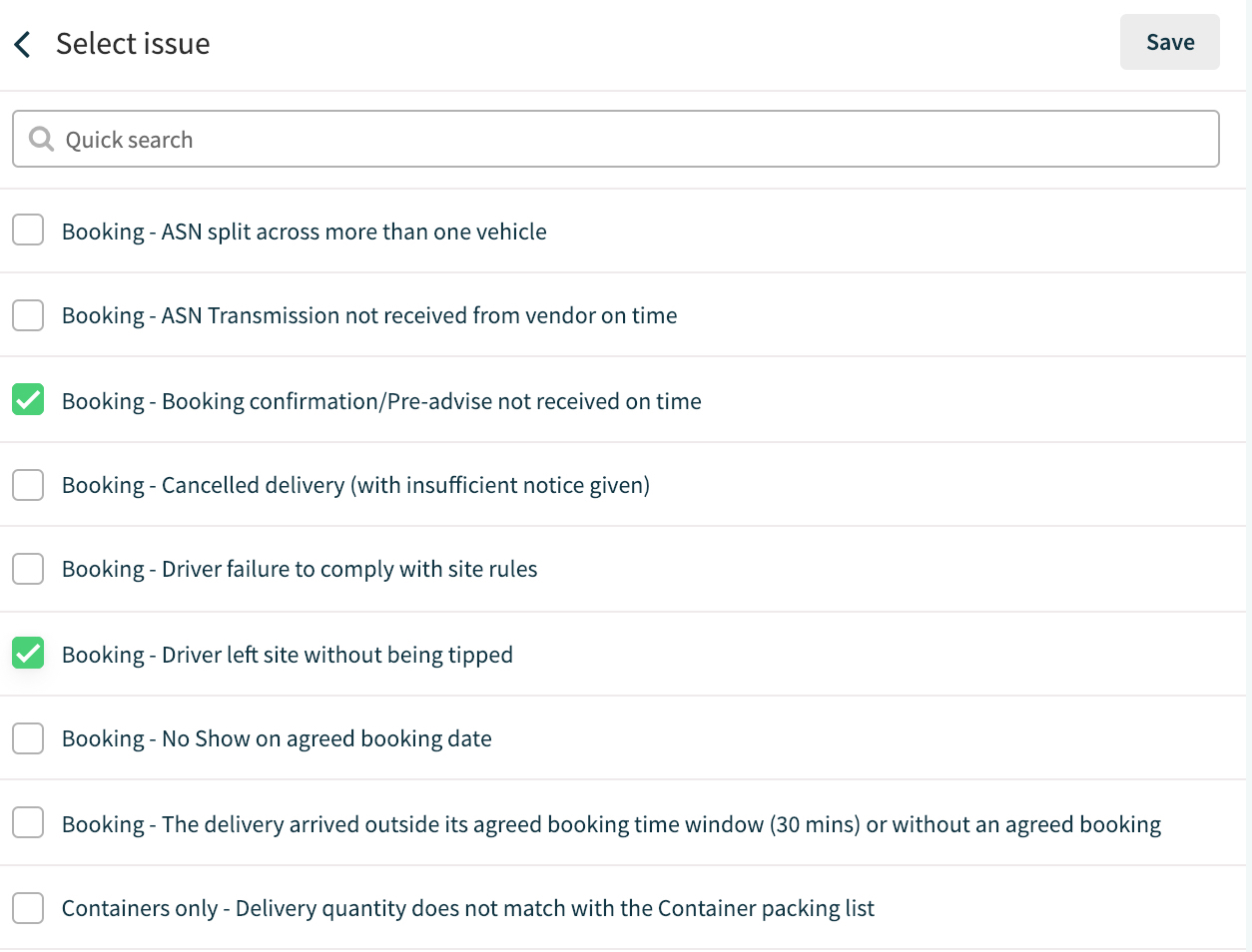
In case you did not find the issues you wished to report, chances are that they are not enabled by the Receiver. You can always communicate with the Receiver through the comments (learn more on other pages).
Comments
0 comments
Please sign in to leave a comment.