
Remember: the email and the password that you use to login to Streamliner are case sensitive.
Every user can reset his password. Streamliner counts the N° of attempts a user is trying to login in Streamliner. Please reset your password before your account is locked. The tenth time that you try to login with a wrong password, your account will be blocked. Only a Primary or Company owner can deblock this situation.
Step 1: Go to login page
https://app.streamliner.cloud/auth/sign-in
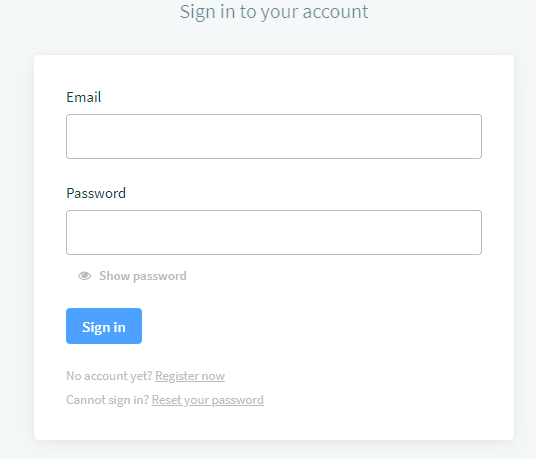
Step 2: Select ‘Reset your password’
You will receive an email with a new link, to reset your password. You have to create your password yourself. Streamliner will not generate temporary passwords. The Primary owner is noticed that a password reset was needed.
Comments
0 comments
Please sign in to leave a comment.