
Step 1: Receiving an invitation email
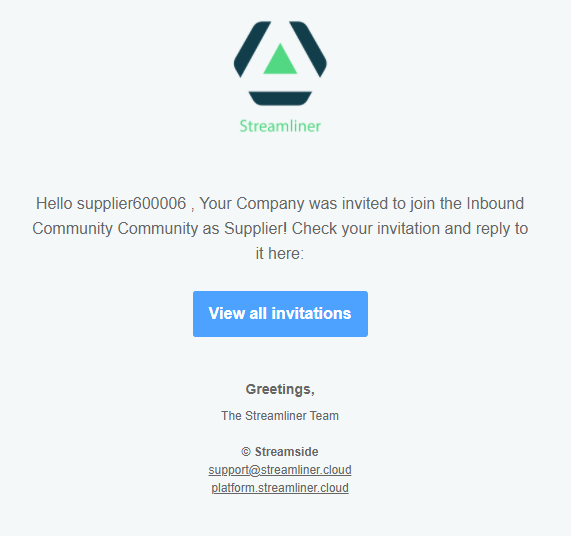
When you already have an existing account and are invited to a Community, you will get an invitation email, describing the role that you will take in this community. (Supplier/customer/LSP)
Step 2: Accepting or declining the invitation
Clicking the 'View All Invitations' button will take you to your 'Communities' tab. Here, you will get an overview of all your pending invitations.
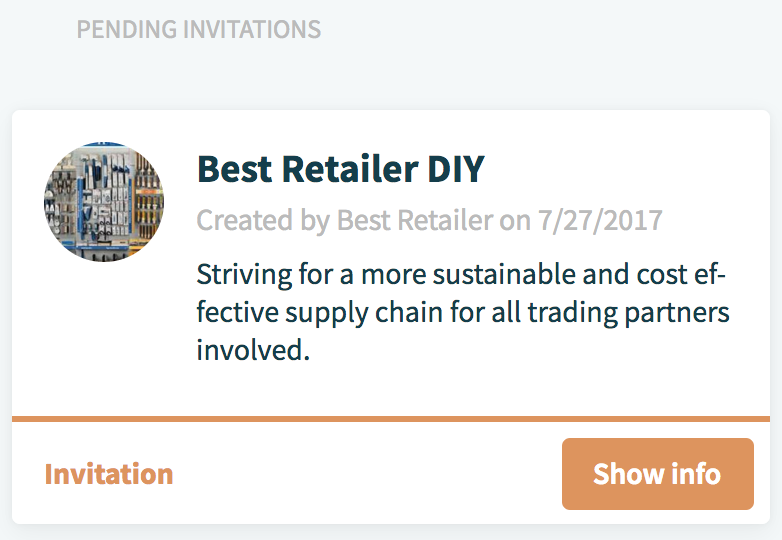
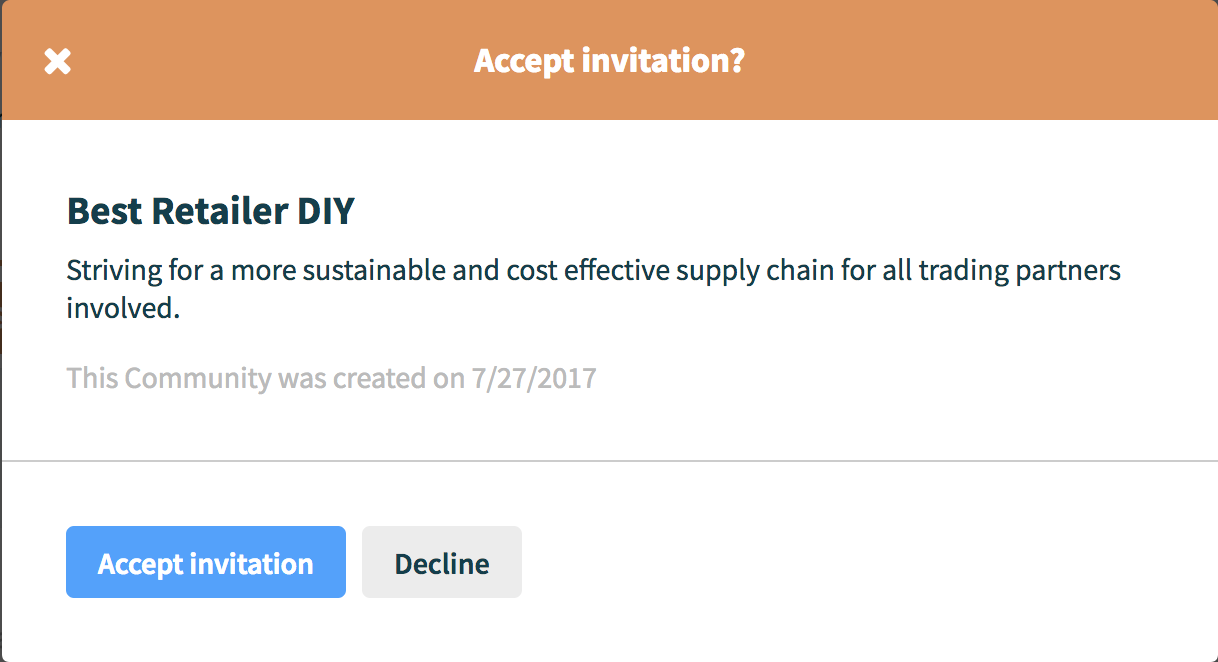
Clicking on the 'Show Info' button will provide a pop-up with the name, description and creation date of the Community. You will be able to either accept or decline the invitation.
Comments
0 comments
Please sign in to leave a comment.