
How to add a Location to a Folder
Locations are added to a folder. So the question which location belongs to which folder is important for the structure of your Supply Chain Tree.
Step 1: Go to 'Supply Chain'

On your homepage, click on the tab 'Supply Chain' in the upper center of your screen. Choose the list view if you want the same view as in this how-to.
Step 2: Select the Folder you want to add a Location to
Select the folder you want to add a location to. You will start with your root folder. There might or might not be folders in this root folder. Make sure you select the right folder to which you want to add a location. 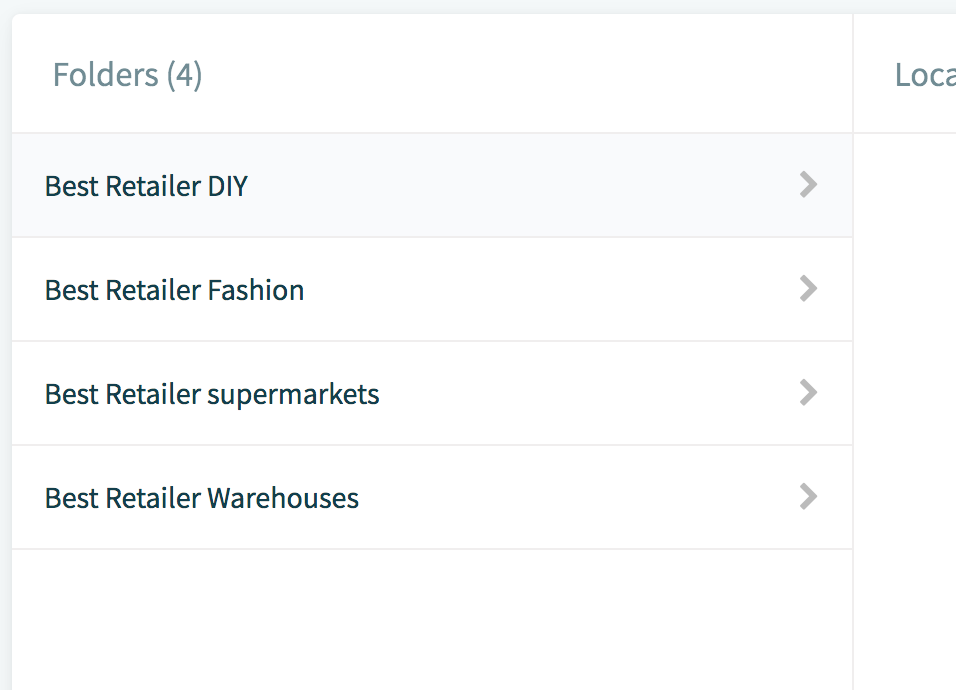
Step 3: Add Location
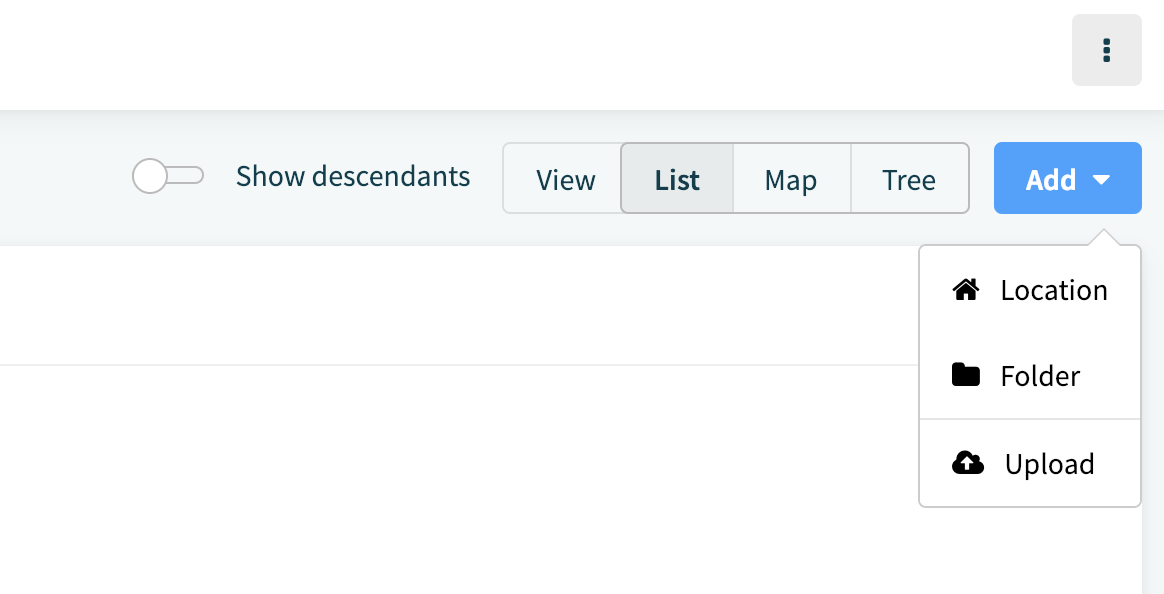
Once you're in the right folder, click on Add>Location
Now fill in a Name and Type for your Location to be able to save it by clicking "Add location" in the top right corner. The rest of the information is optional. You can still change the Folder to which the location is added.
Comments
0 comments
Please sign in to leave a comment.