
As a 'Primary Owner' you are the only one who is able to transfer your ownership to another user. And only the 'Company Owners' can be assigned the role of Primary Owner.
Step 1: Go to 'Manage Account'
Click on the 'Manage Account' tab in the top right corner, next to your profile picture.

Step 2: Change account details
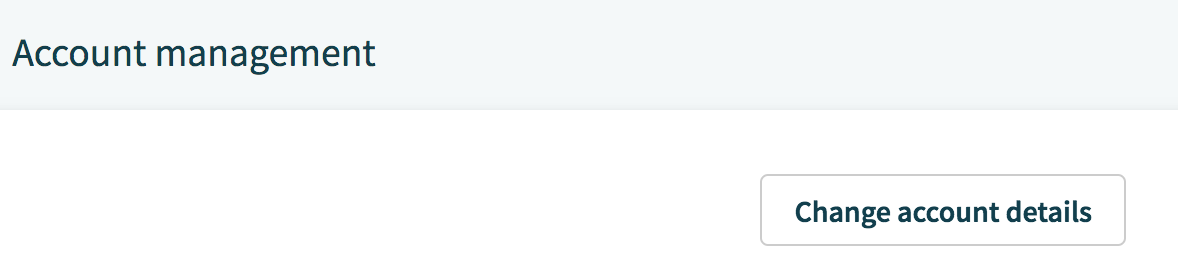
On the next 'Account Management' page, click on the 'Change Account Details' tab in the right corner, right at the start of the page.
Step 3: Assign a new Primary Owner
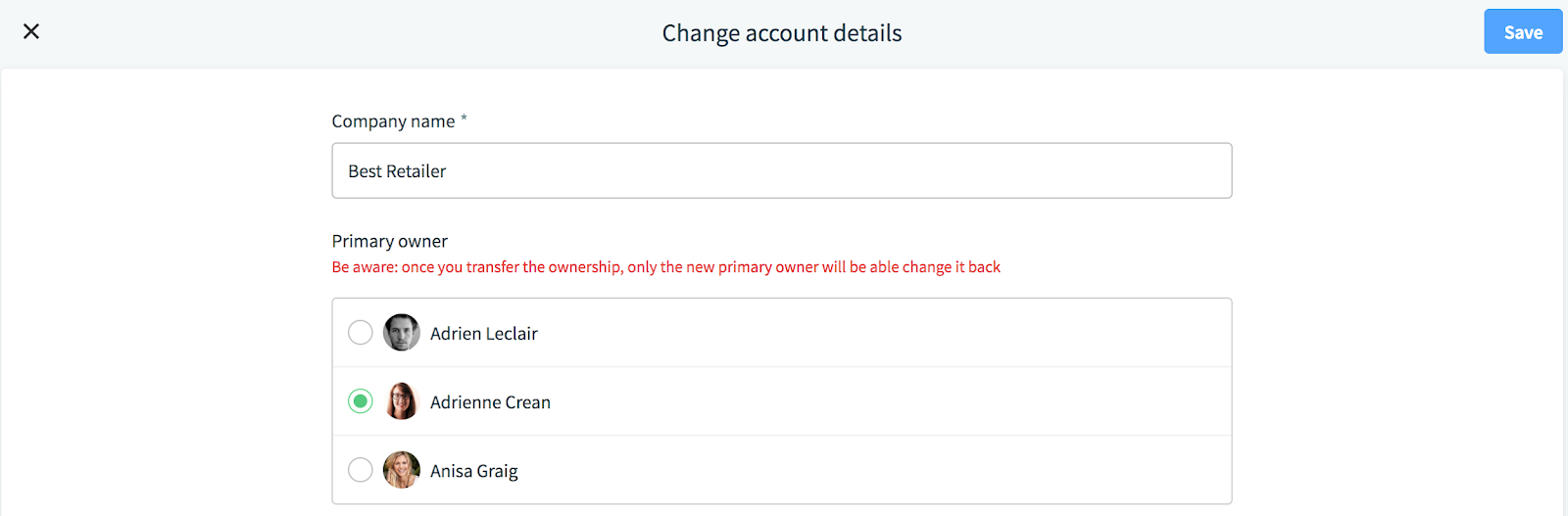
Here, you can assign a new Primary Owner. Be aware that once you transfer ownership, only the new Primary Owner will be able to change it back.
Click on 'Save' in the top right corner to continue with the changes or click on the exit button 'X' in the top left corner to discard the changes.
If a new Primary Owner is assigned, a role change notification will be sent to all parties involved.
Comments
0 comments
Please sign in to leave a comment.