
If you have to change your role in the community, you first have to leave the community, afterwards you can be invited into the community with the correct role.
In this article we will explain how you can leave the community as a company. This is not the same as leaving the community as a user.
Step 1: Go to your homepage
On the homepage select the tab "communities"

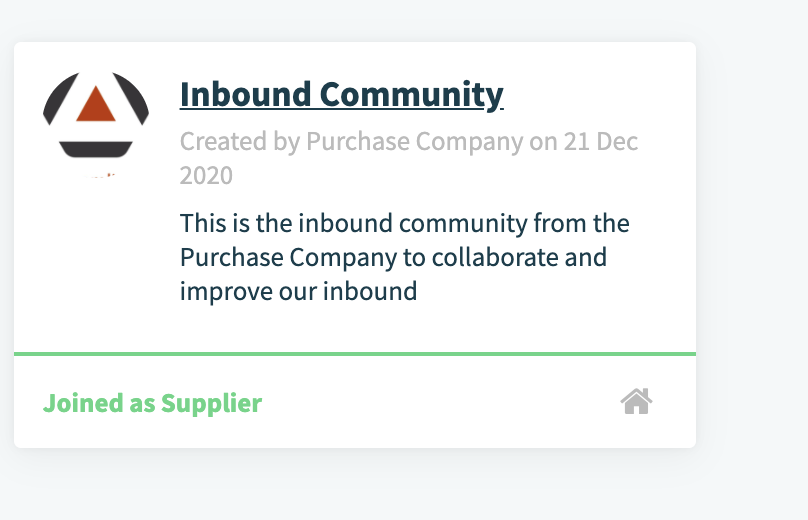
Step 2: Enter the community.
step 3: Go to companies

You can search for companies in the search bar.
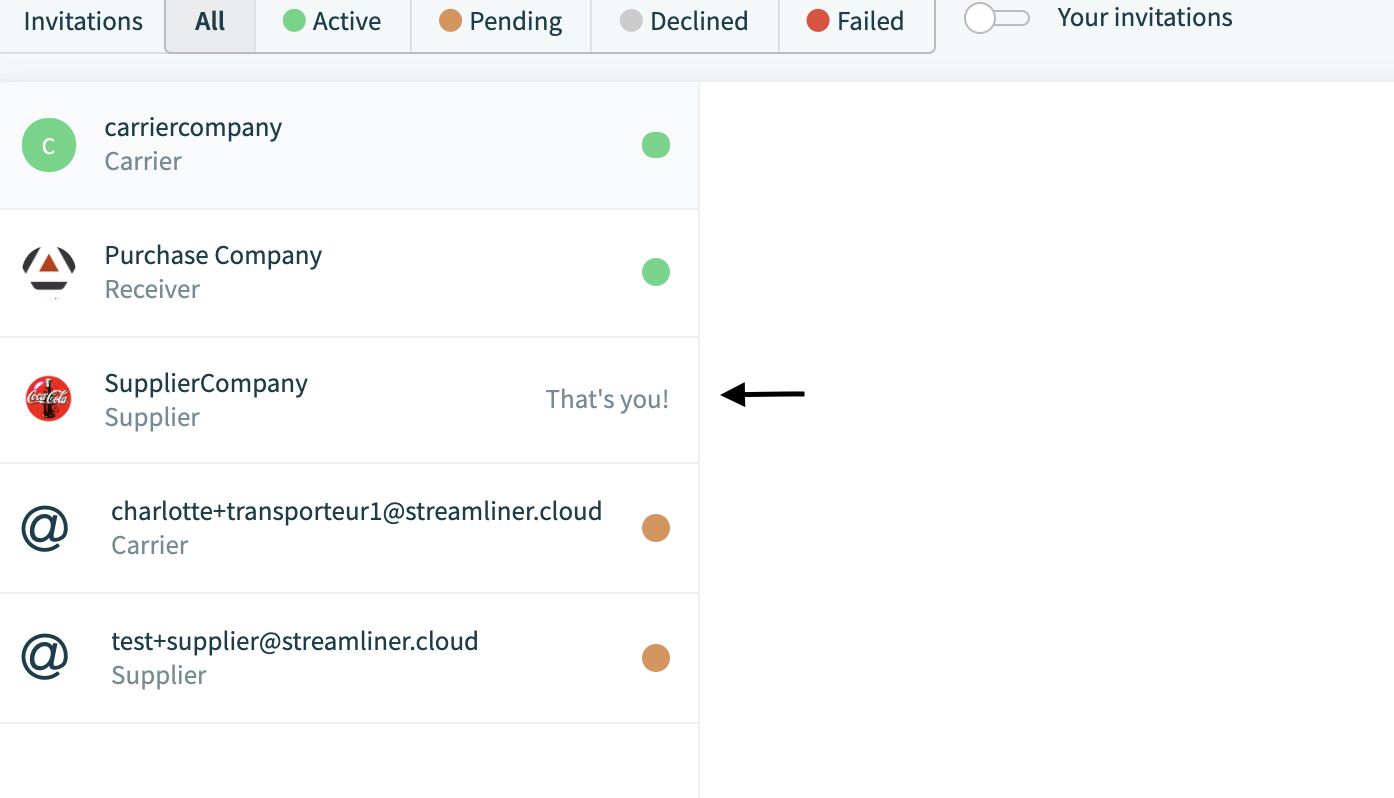
Step 4: Please select your company
Step 5: At the bottom you can decline the accepted invite.
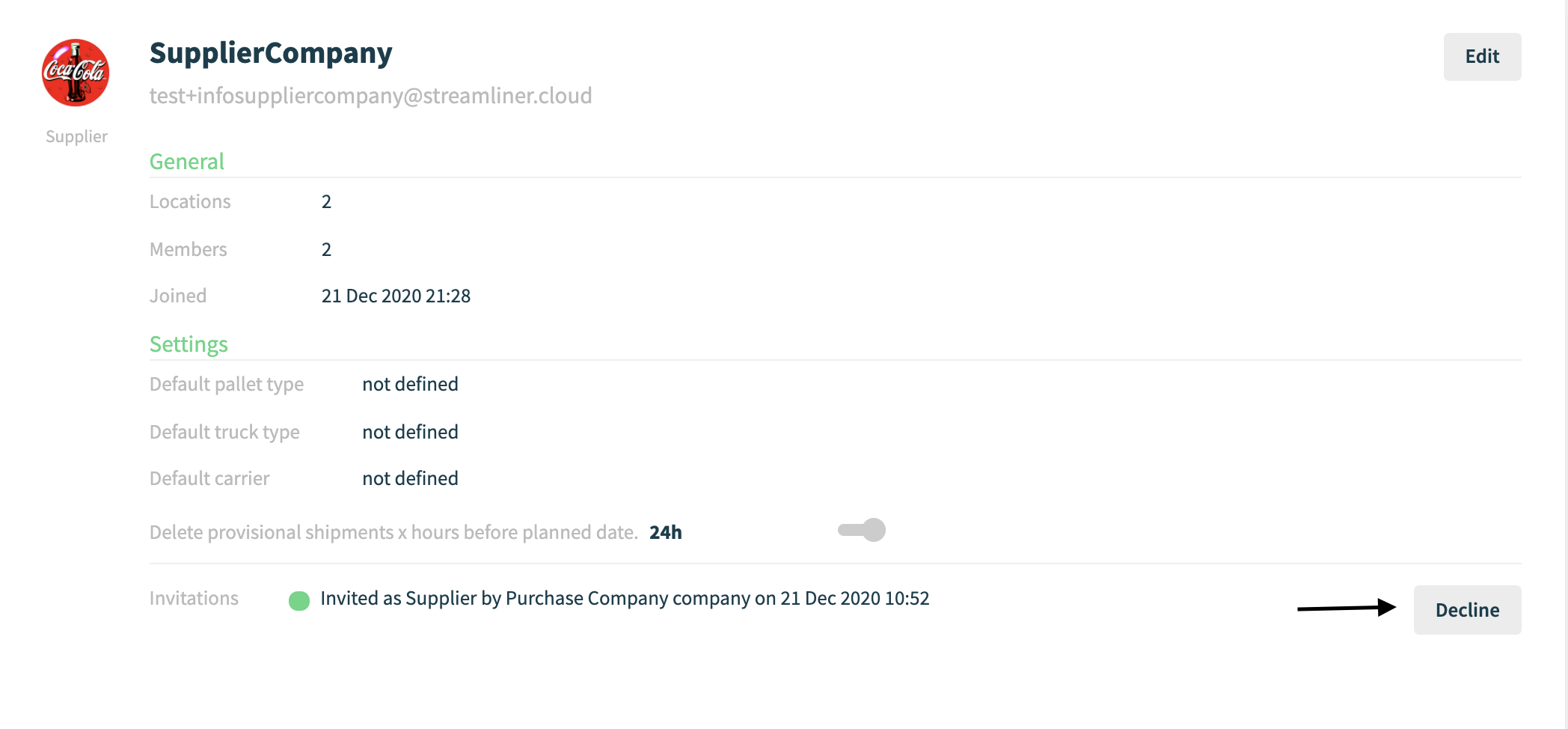
When you click on decline, the company and all related users will leave the community. This is not possible if there are still pending orders or shipments
Comments
0 comments
Please sign in to leave a comment.