
Please note: Starting a Community requires a paying Account. Contact sales@streamliner.cloud for more information.
Step 1: Go to your homepage
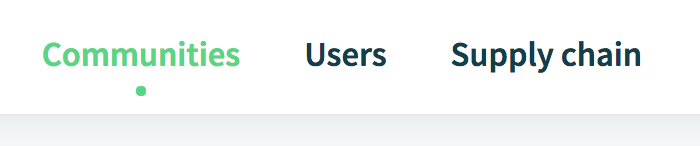
On the homepage, select the tab 'Communities'.
You can start a new Community by clicking on the 'Add a New Community' button in the upper right corner.
Step 2: Enter new Community details
Enter the name and give a short description of the Community.
For example: you can formulate the goals or mission of the Community.
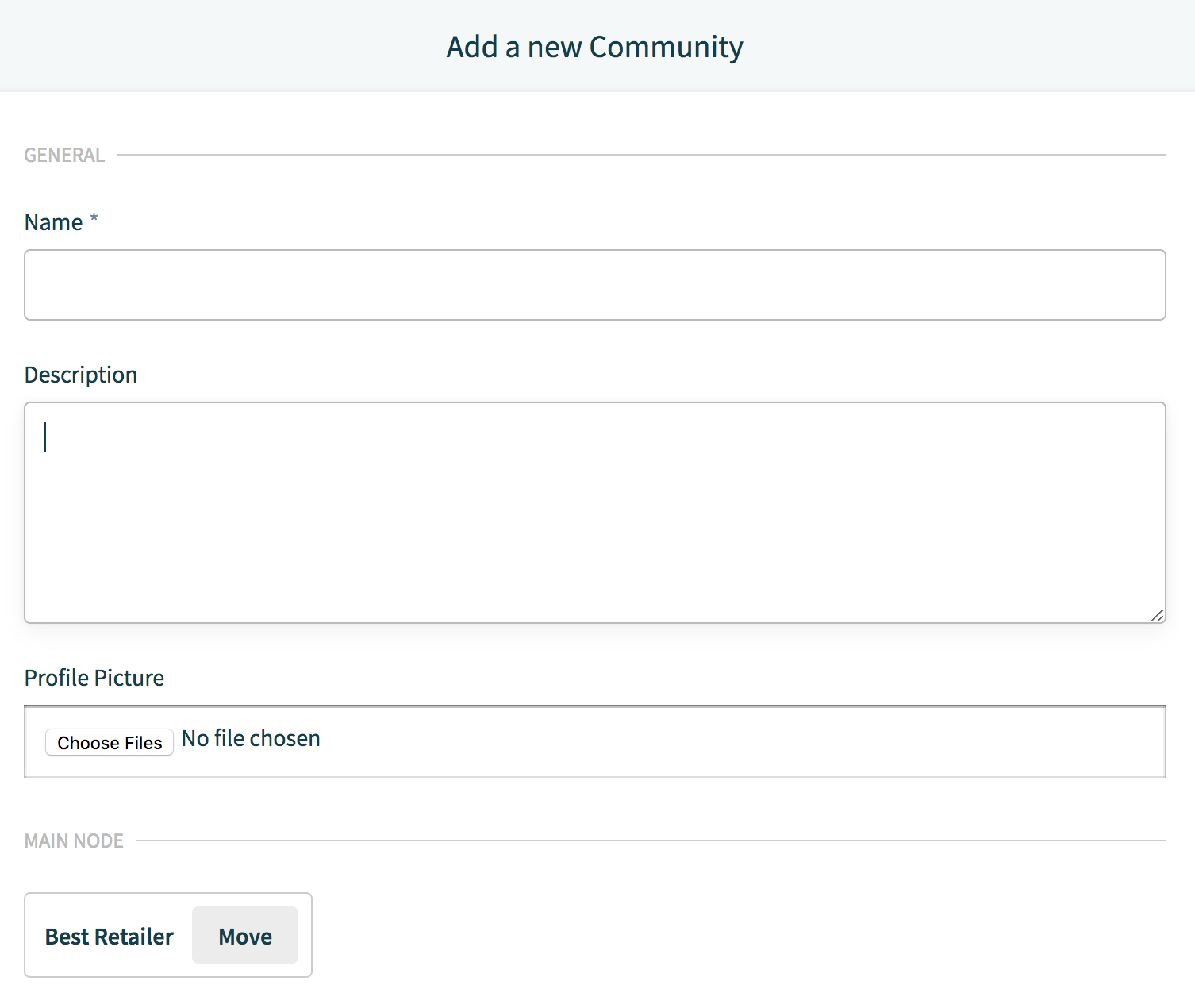
Upload the Community banner under 'Profile Picture' and allocate the Community to its parent folder or location by clicking on the 'Move' button under the 'Main Folder' section.
Press the 'Add Community' button in the top right corner to finish creating the Community.
Please note: All the users from your own company will be able to join automatically if they belong to a connected location(s) or folder(s).
Step 3: Invite your partners
Now, you can start inviting all your trading partners to your Community.
Comments
0 comments
Please sign in to leave a comment.