
How to add a new Gate
Step 1: Go to the supply chain of your company
Click on the 'Supply Chain' tab.

Step 2: Select the desired folder
Select the folder that holds the location to which you wish to add a gate.
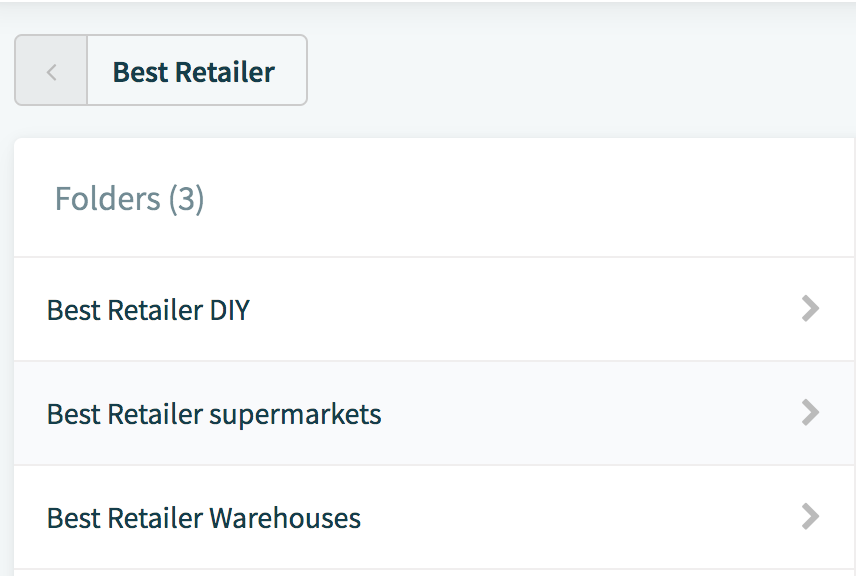
Step 3: Select the location to which you wish to add a gate
Step 4: Select the 'Gates' tab

Step 5: Click 'Add Gate'
Step 6: Fill out the gate details
After clicking on the grey 'Add Gate' button, a new page will appear where you can fill out the gate details. A gate can be assigned to several zones.
To save this information, click on the blue 'Add Gate' button in the top right corner.

Comments
0 comments
Please sign in to leave a comment.