
Step 1: Go to 'Supply chain'
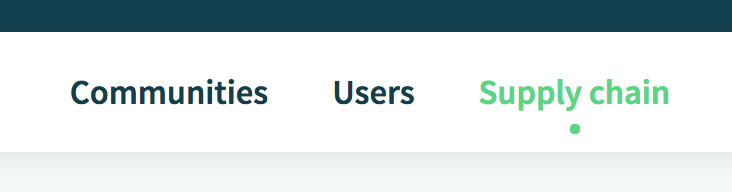
When you log onto the platform, click on the 'Supply chain' tab in the upper middle part of your homepage.
Step 2: Select a Folder
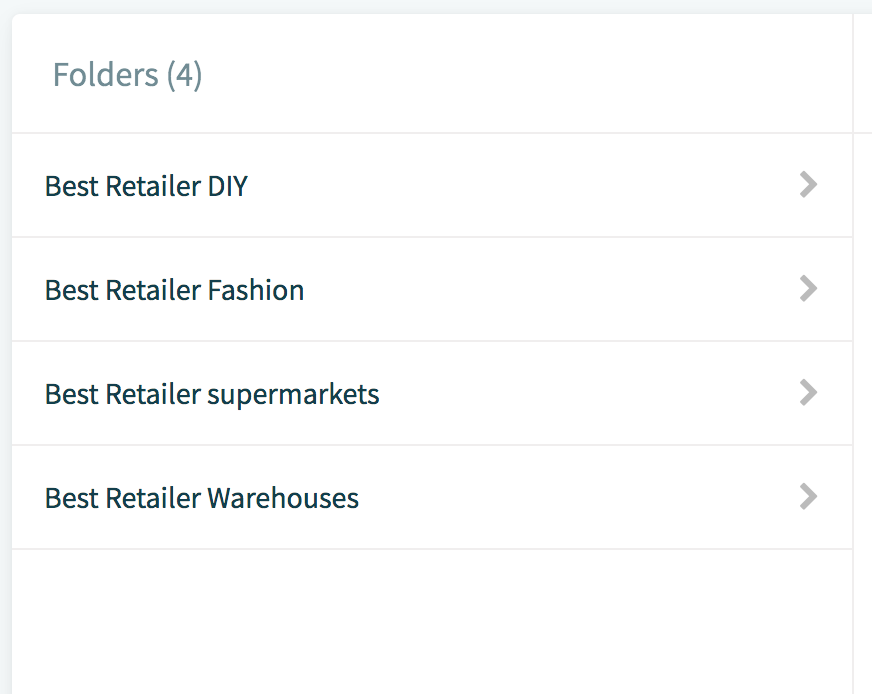
Select the appropriate Folder under which you'll find the Location you wish to edit.
Step 3: Select a Location
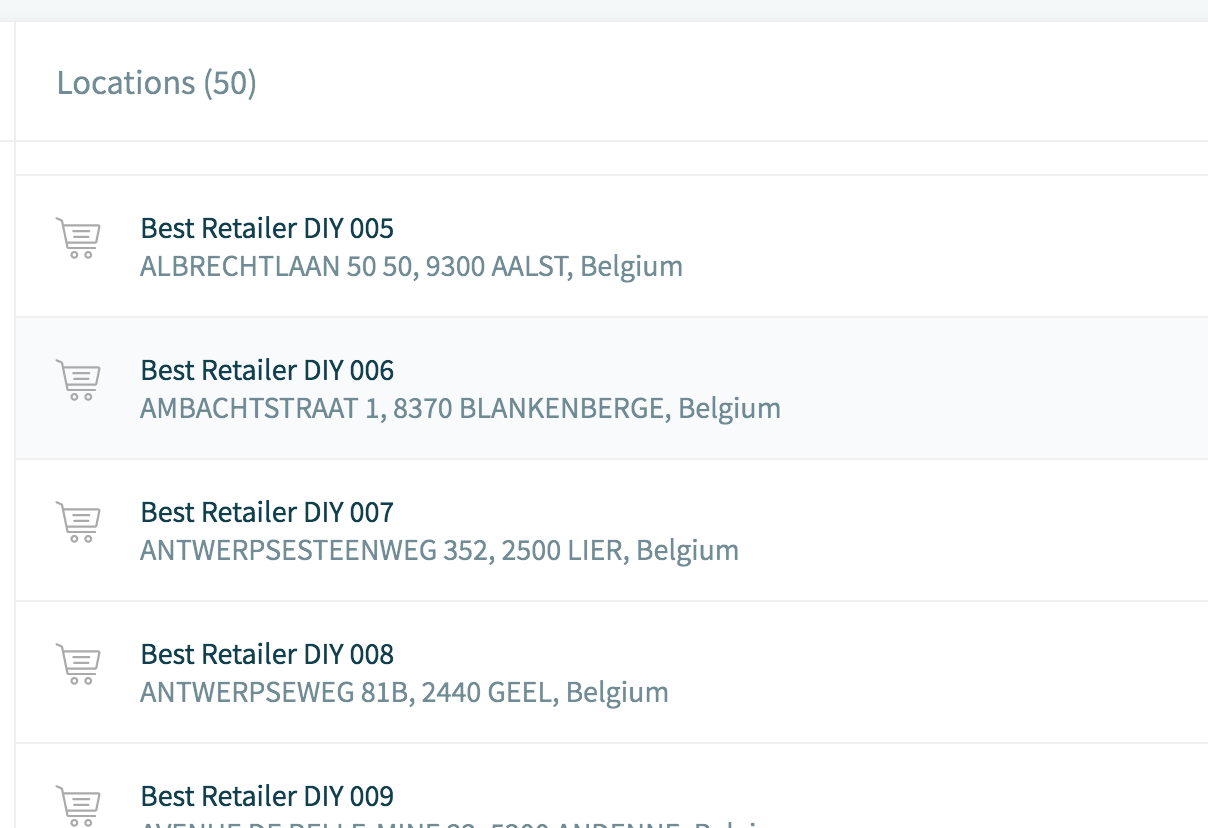
Once you're in the Folder, a list of Locations will appear on the right. Select the Location you wish to edit.
Step 4: Select 'Edit' button

Step 5: Enable Yard Management
Scroll down to ‘Enable Yard Management’ and click on the slider to enable it.

Comments
0 comments
Please sign in to leave a comment.